
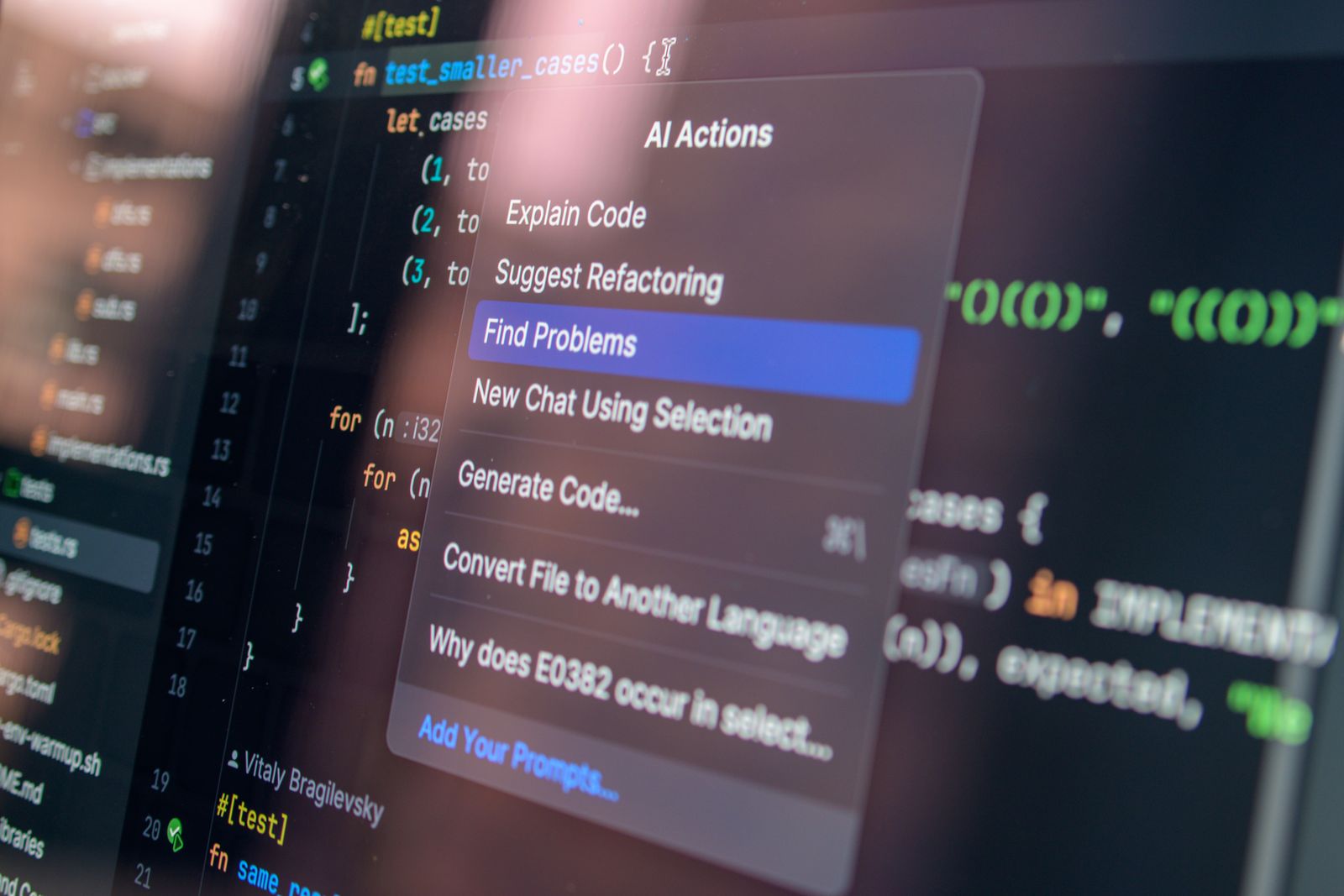
AI Coding Assistants Compared: Cursor, GitHub Copilot, Claude Code, Windsurf and Replit Agent After a Month of Real Work
Feature checklists are the easiest way to compare AI coding assistants and the least useful. A tool can top every benchmark table and still fight you on the third hour of a legacy refactor. So instead of reading spec sheets, I spent a month, from early February through early March 2026, putting five tools through the same three workloads: migrating a legacy codebase, building a greenfield API from scratch, and grinding through debugging sessions where nothing worked on the first try. Prices below are the vendors’ published US rates as of March 2026; check local pricing, since every one of these tools has repriced at least once in the past year.
The results had little to do with which model sat underneath. What separated these tools was a design decision made long before any prompt was written: does the assistant replace your editor, enhance it, live in your terminal, or run on its own until told to stop? That choice shapes everything downstream, including how badly things go when your instructions are vague.
Five tools, five philosophies
Before a single line of code, the positioning is already clear.
Cursor wants to replace your editor entirely. It is built on top of VS Code, so the interface feels familiar, but the intent is an AI-first environment rather than a plugin bolted onto one.
GitHub Copilot takes the opposite stance: enhance the editor you already use. It meets developers inside VS Code, JetBrains, and other environments rather than asking them to move.
Claude Code skips the graphical interface altogether and works alongside you in the terminal.
Windsurf, now shipping as Devin Desktop, is designed to run autonomously for as long as it is allowed to. The rebrand matters if you are shopping: Windsurf is the same product line, repositioned under Cognition’s Devin branding, so older reviews and pricing pages may describe the tool you are about to install under its former name.
Replit Agent takes a browser-based project from blank canvas to deployed URL without leaving the tab.
Replace, enhance, accompany, run, deploy. Five verbs, five very different working relationships.
Cursor and the multi-file problem
Multi-file awareness is Cursor’s standout strength, and one task made that obvious. In a moderately complex Django project, Cursor renamed a data model and propagated the change across views, serializers, tests, and migrations without losing scope. Anyone who has done that rename by hand knows the failure mode: you catch the views, miss a serializer, and discover the problem in production three weeks later. Cursor caught all of it.
Agent mode goes further. It edits files, runs terminal commands, and iterates on its own output, which is genuinely useful when the task is well bounded. The trouble starts when it is not. On open-ended requests inside a large codebase, Cursor sometimes produced changes that were locally correct but globally inconsistent, silently adjusting things that were never requested. Each individual edit made sense. The cumulative diff did not.
Pricing sits around $20 per month for the Pro tier (US pricing; check local pricing), with usage-based billing kicking in for heavier agentic sessions. That structure quietly rewards the same discipline the tool demands: know what you are asking for before you ask.
GitHub Copilot’s production track record
Copilot has run in production environments at scale longer than most of its competitors have existed, and it shows in the least glamorous place: inline suggestions. Latency is low, completions are contextually aware, and the integration across VS Code, JetBrains, and other environments is smooth in a way that feels boring, which is a compliment.
The newer Chat modes split into Ask, Plan, and Agent. Ask handles conversational queries about the codebase, Plan lays out a multi-step approach before executing, and Agent takes action across files. Within clearly bounded tasks these work well, though they feel slightly less cohesive than their equivalents in Cursor or Windsurf. The agentic features read as additions rather than foundations, and tools built around autonomous multi-step coding from day one have an edge for that specific use case.
Where Copilot is genuinely hard to match is context. It draws from repositories, pull request history, and GitHub issues, and integrates with GitHub Actions and GitHub Codespaces across the broader Microsoft ecosystem. No standalone tool replicates that. For teams already living in that world, the pull is strong.
Pricing starts at $10 per month for the individual tier (US pricing; check local pricing), the most accessible paid option here, with enterprise pricing adding security features and policy controls. For organizations that need compliance and auditing, that layer may matter more than any completion quality difference.

Claude Code and the terminal loop
Claude Code reads files, executes commands, runs tests, parses failures, and iterates. The loop is deliberately close to how a careful developer already works: write, run, observe, adjust. There is no chat pane pretending to be a colleague. There is a terminal, and it does things in it.
Anthropic built Claude with reasoning as a first concern, and that shows up most clearly on tasks with multiple simultaneous constraints, where the model has to hold several requirements in tension rather than satisfy them one at a time. In my own runs, the pattern held up to about four interacting constraints on a single refactor. Past that, the loop started satisfying the loudest requirement and quietly dropping the quietest one, which is exactly the failure mode a human reviewer catches and an autonomous run does not. Extending a task mid-run was the sharper test: adding a new constraint after the agent had already begun editing reliably cost it the earlier context, and I ended up restarting the task rather than patching it. That is a real limit, not a mystery.
The terminal-first design also pairs naturally with the broader shift toward agents as declarative artifacts. If you want to see where that trend is heading, Docker Agent: Run AI Agents Like Containers with a Single YAML File describes agents as configuration files rather than programs, which is the same instinct Claude Code applies at the command line.
Windsurf and Replit Agent: the two ends of autonomy
Windsurf and Replit Agent sit at opposite extremes of the same axis.
Windsurf, as Devin Desktop, runs autonomously for as long as it is allowed. Hand it a task and walk away. That is powerful when the task is clear and the blast radius is contained, and alarming when neither is true.
Replit Agent goes from blank canvas to deployed URL inside the browser. There is no local environment to configure, no dependency wrangling, no deploy pipeline to wire up. For prototypes, demos, and small projects that need to exist on the internet today, that compression is the whole product.
The lesson from a month with both is that autonomy is not a virtue in itself. It is a multiplier. On a well-scoped task it multiplies your throughput. On a vague one it multiplies your cleanup.
Matching the tool to the task, and the discipline no tool replaces
After a month, the selection criteria stopped being about model quality and started being about fit.
For complex multi-file refactors and large codebases where context continuity matters, Cursor is the strongest option, provided you are willing to invest time learning an opinionated AI-first environment. If you want to stay in the editor you already use, Copilot is the obvious answer, and it is the clear pick for GitHub-centric team workflows and organizations needing enterprise-grade compliance and auditing. Claude Code suits terminal-driven iteration, especially when constraints pile up, as long as you keep the constraint count inside its working range. Windsurf fits long autonomous runs on tasks you have scoped tightly enough to trust. Replit Agent handles the blank canvas to deployed URL case better than anything else in the set.
The dividing line across all five is not the model. It is how much autonomy the tool assumes and how precisely you have defined the work. Cursor, Windsurf, and Claude Code can all move fast on a well-specified task. Point any of them at an ambiguous request in a large codebase and you get the same failure shape: locally correct, globally inconsistent changes, quietly adjusting things nobody asked for. The autonomy that accelerates a clean refactor becomes a liability on a fuzzy brief, and no amount of model improvement changes that arithmetic.
What actually moves the needle is unglamorous. Write better prompts. Review diffs carefully, line by line, especially the ones you did not ask for. Keep the scope of each request small enough that you can hold the whole change in your head. It is also worth remembering that these tools sit on top of code you still have to understand. The Python Basics AI Frameworks Never Replace: Inside KDnuggets’ New Cheat Sheet makes the case that foundational language skills remain load-bearing no matter how much scaffolding arrives above them, and a month of reviewing AI-generated diffs is a persuasive argument for that position.
Pick the philosophy that matches how you work, then do the part no assistant can do for you: decide what the code should actually do.




2 Comments
Comments are closed.